Quickstart: Get started with Platform ONE
Updated October 31, 2026 · Applies to Platform ONE 1.34
In this quickstart, you sign in for the first time, change the password you were given, find your way around, and choose your notifications. It takes about 5 minutes.
Prerequisites
- A Platform ONE account. Your administrator gives you the address of your workspace, your email and an initial password, or tells you to sign in with your organization's account.
Sign in
-
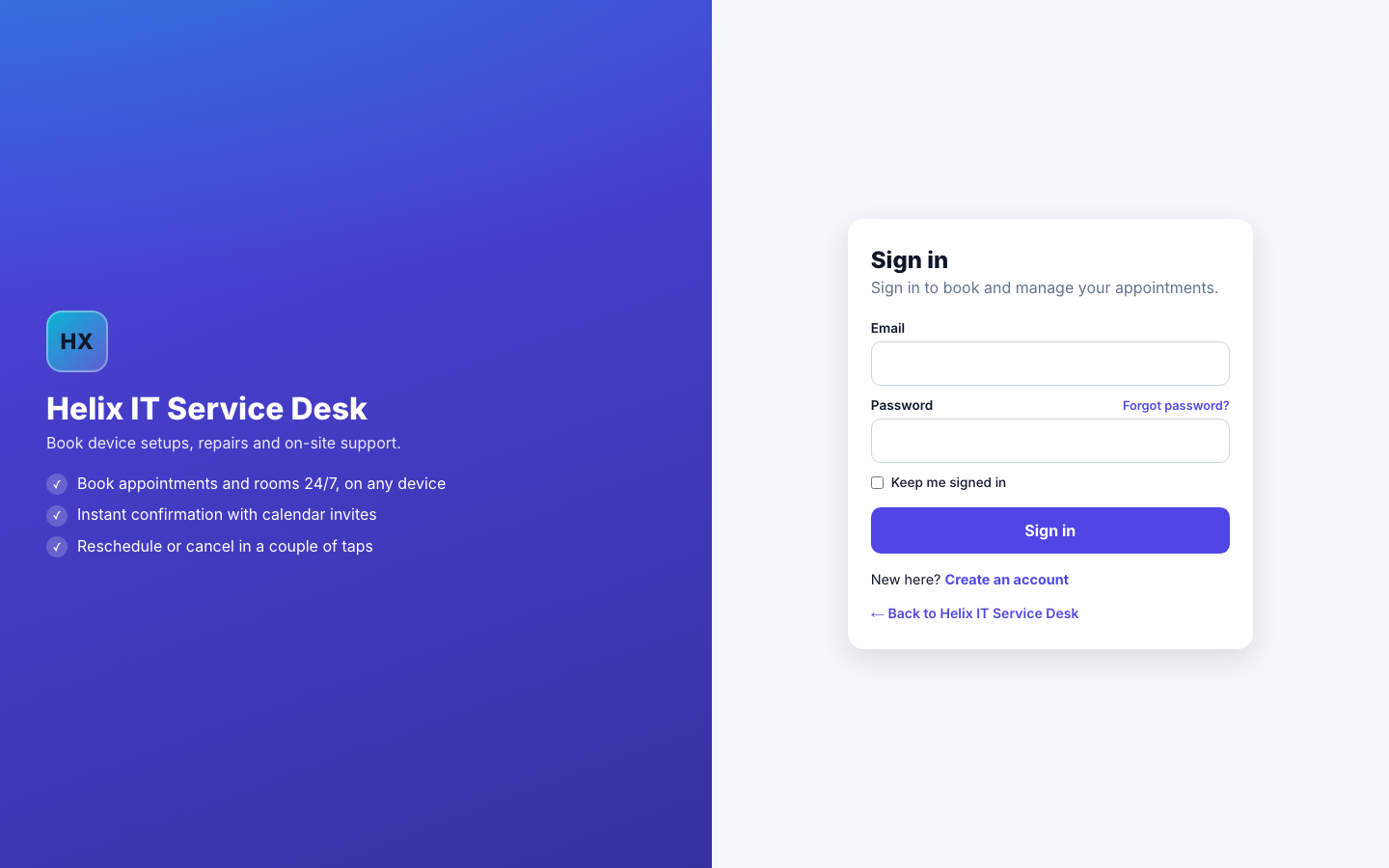
Go to your workspace's address.
-
Enter your Email and Password, and then select Sign in. If your organization uses single sign-on, select Sign in with … instead.
Change your password
- Select your initials in the top-right corner, and then select My profile.
- Under Change password, enter your Current password, a New password, and the new password again in Confirm new password.
- Select Update password.
Find your way around
-
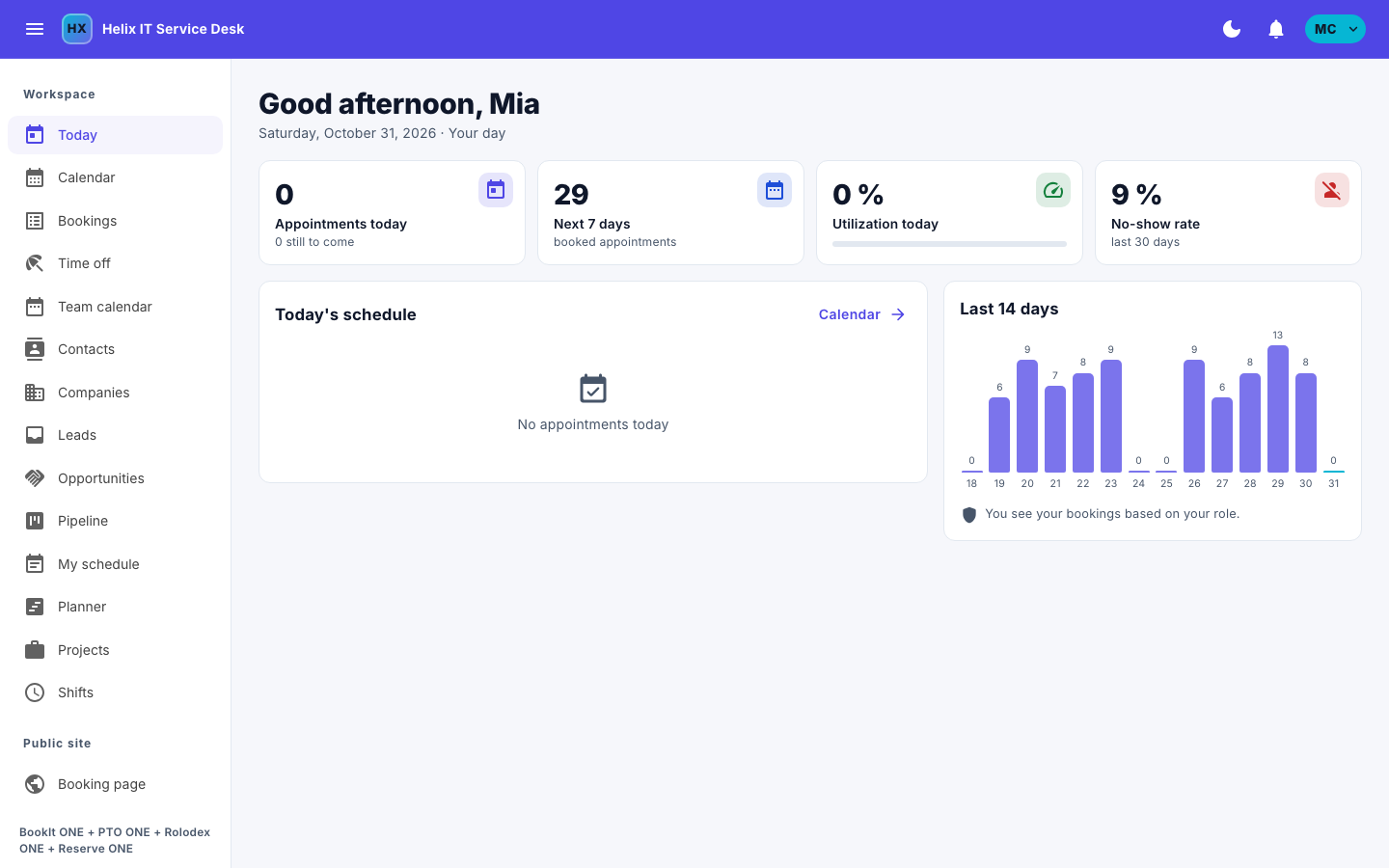
Use the menu on the left to open the pages of your products, under Workspace.
-
On a phone, use the bar at the bottom of the screen, and select More for the full menu.
Choose your notifications
- Select the bell in the top bar to open Notifications.
- Under What to tell me about, choose for each kind whether it appears Here, is sent by Email, or both.