Quickstart: Book an appointment for a caller
Updated October 31, 2026 · Applies to BookIt ONE 1.34
In this quickstart, you book an appointment for someone on the phone. It takes about 2 minutes.
Prerequisites
- The Reception, Manager or Admin role.
Find the caller
- In the menu, under Workspace, select New booking.
- Under Find the customer, enter their name, email, phone or member number, and select them. If they're new, select Create a profile for this caller.
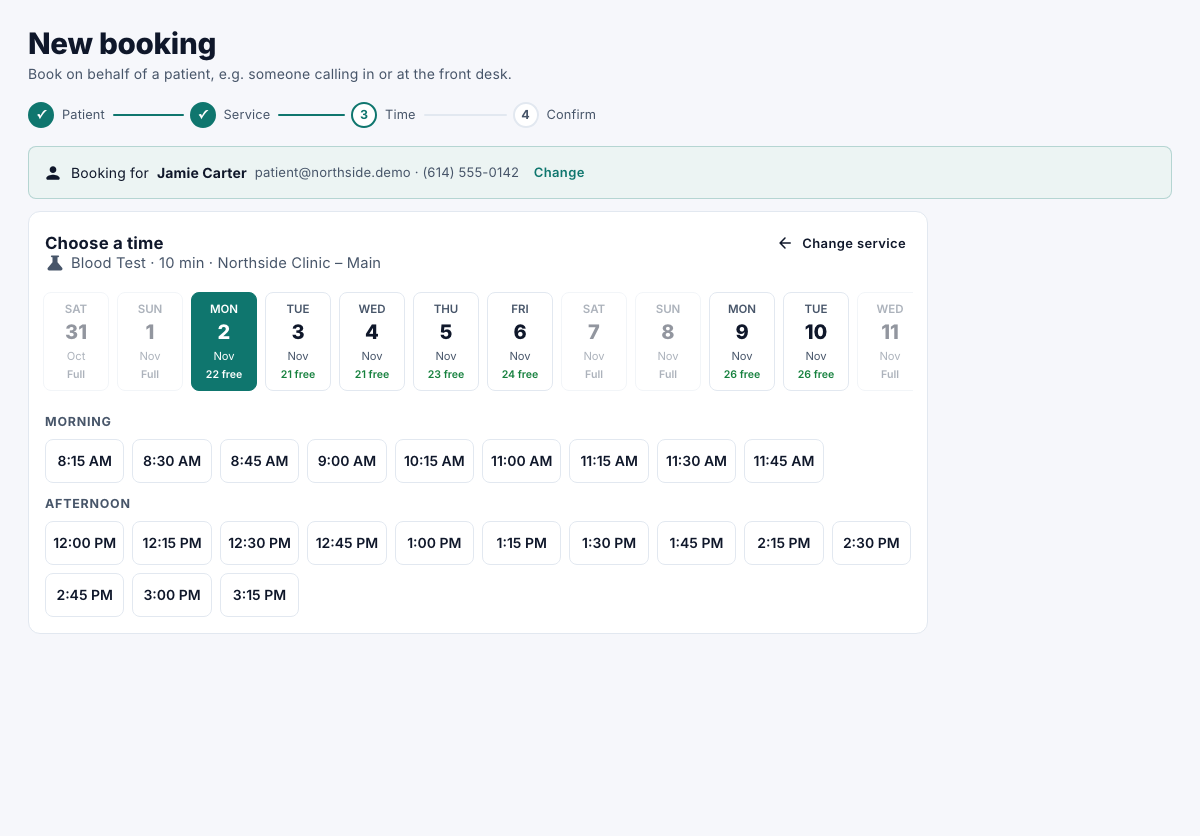
Choose the service and time
-
Under Choose a service, select the service.
-
Under Choose a time, select a free time.
Confirm
- Add any Notes, and keep the email confirmation on if they have an email.
- Select Confirm booking.
You get the booking's Reference to tell the caller. To book them again, select Book another for ….