View reports
Updated October 31, 2026 · Applies to BookIt ONE 1.34
Reports shows how your appointments went over a period.
Prerequisites
- The Manager or Admin role. Managers limited to a location see that location.
Open reports
-
In the menu, under Workspace, select Reports.
-
Choose the period and, if you see several, a location.
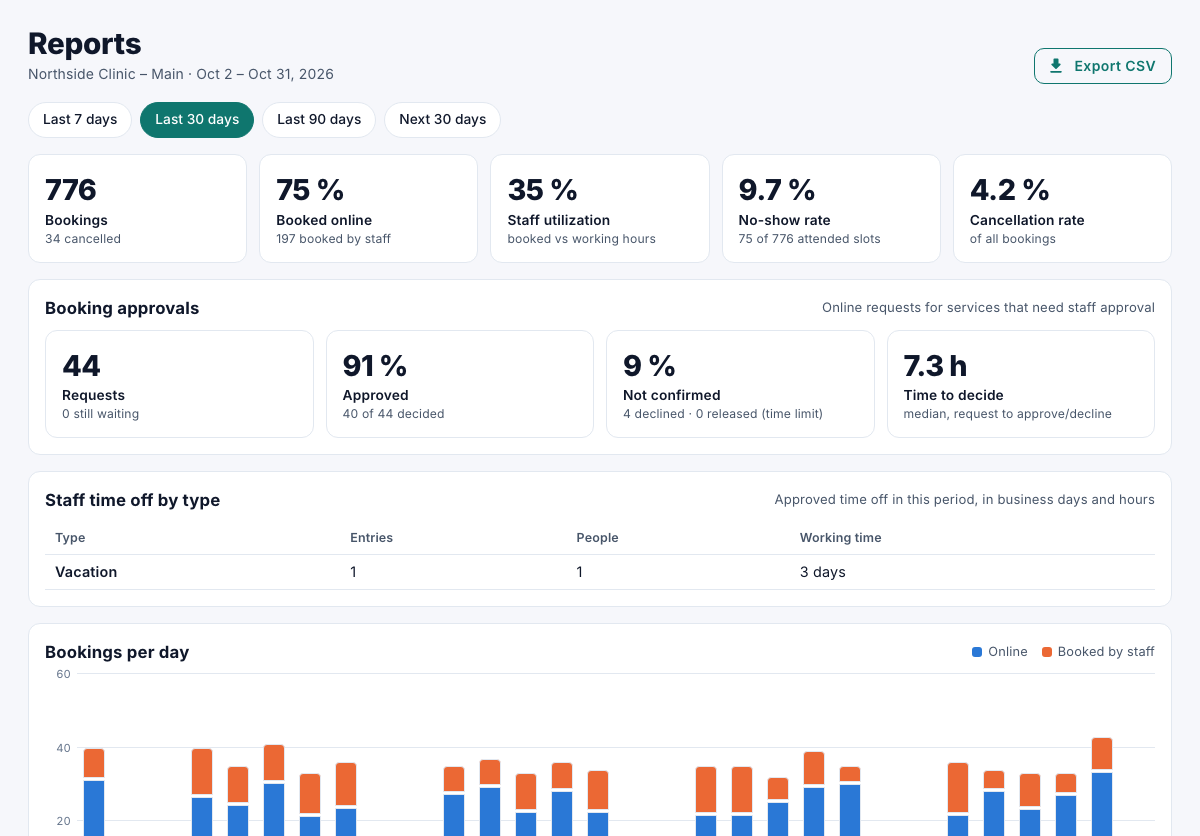
| Section | Shows |
|---|---|
| Key figures | Bookings, Booked online, No-show rate and Cancellation rate. |
| Booking approvals | Requests, how many were approved or not confirmed, and the median Time to decide. |
| Bookings per day | Online and booked by staff. |
| By service | Bookings, completed, no-show and cancellation rate per service. |
| Utilization | Booked against available hours, per staff member and resource. |
| No-shows and reminders | The no-show rate per staff member. |
| Busiest times | Bookings per day of the week and hour. |
Each chart has Show as table. To download the figures, select Export CSV.