Quickstart: Add your first contact
Updated October 31, 2026 · Applies to Rolodex ONE 1.34
In this quickstart, you add a contact, log a call with them, and set a follow-up. It takes about 5 minutes.
Prerequisites
- A Platform ONE account with Rolodex ONE. See Sign in.
Add a contact
- In the menu, under Workspace, select Contacts.
- Select Add contact.
- Enter their First name, Last name, Email and Company, and then select Save.
Log a call
-
Open the contact.
-
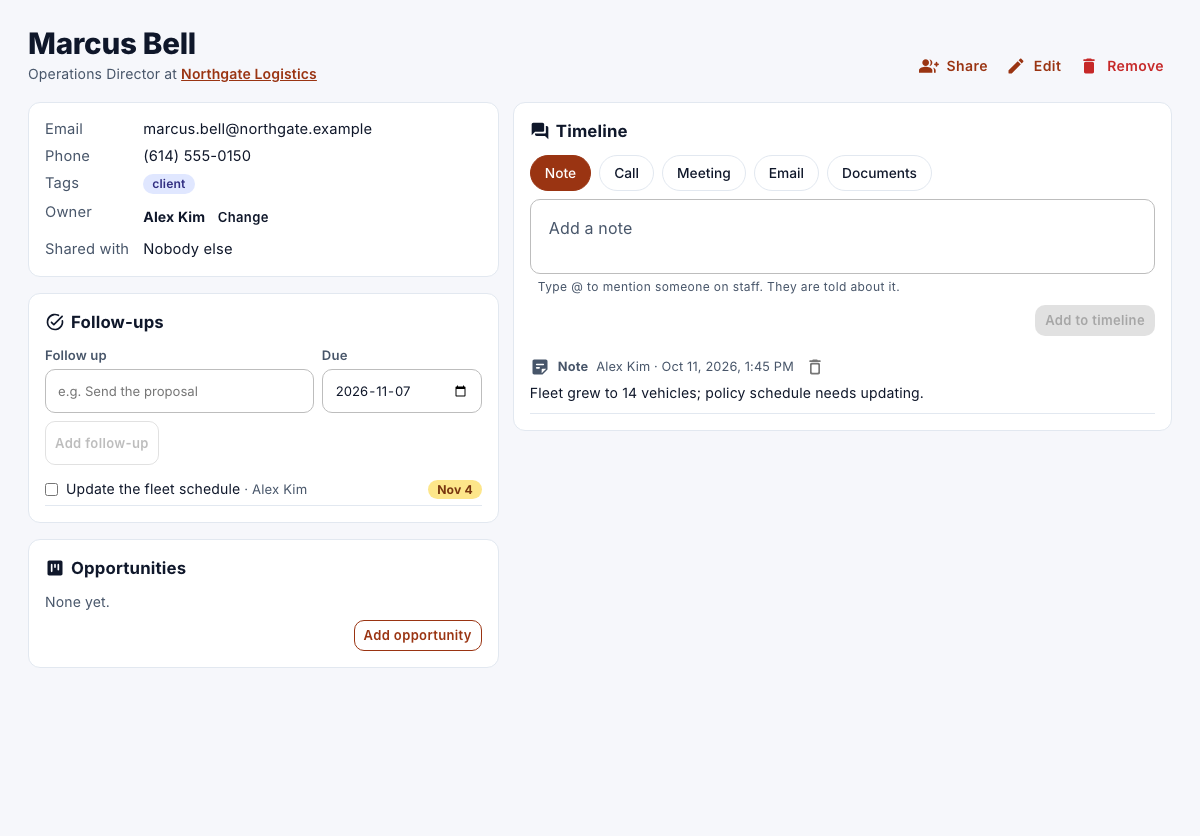
Under Timeline, select Call.
-
Enter what was said, and then select Add to timeline.
Set a follow-up
- Under Follow-ups, enter what to do in Follow up, and choose the Due date.
- Select Add follow-up.
On the due date, you get a notification. Your open follow-ups are also at the top of Contacts, under My follow-ups.