Set up staff and resources
Updated October 31, 2026 · Applies to BookIt ONE 1.34
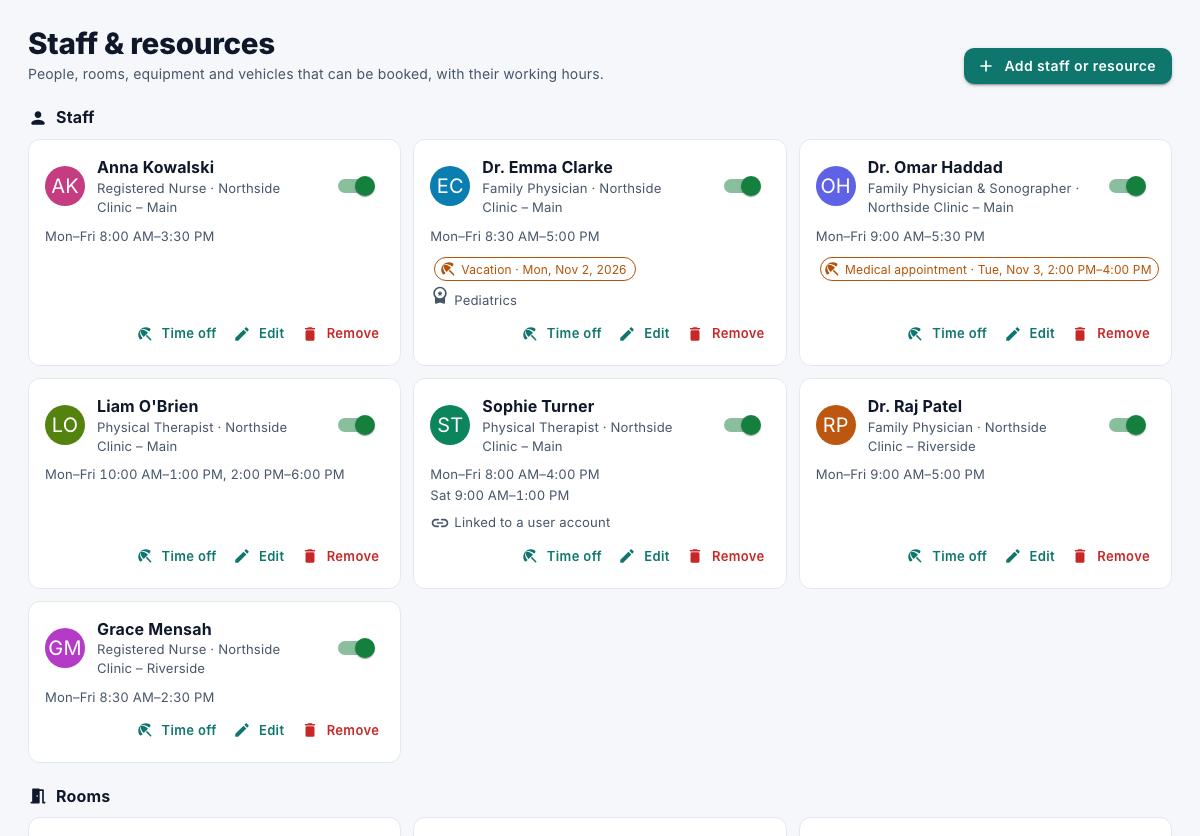
Staff and resources are who and what services need: staff members, and rooms, equipment and other resources. Each has a location and working hours.
Prerequisites
- The Admin role.
Add staff or a resource
-
In the menu, under Administration, select Staff & resources.
-
Select Add staff or resource, and choose its type.
-
Enter the following information:
Field Description Name Required. Job title or Description Shown with the name. Skills (comma-separated) Services can ask for skills; only those who have them are offered. Location Where they work. Calendar color Their color on the calendar. Reports to (approves time off) Staff only: their manager. It's the same as Reports to on the People page. Available for booking Turn off to stop offering them. -
Under Working hours, tick the days and set the times. Add a second period for a split shift, such as 09:00–12:00 and 14:00–18:00. Select Copy Monday to weekdays to save time.
-
Select Save.
Times are in your organization's time zone. To let a staff member see their own appointments, link their user account to them. See Manage users and roles.
Remove staff or a resource
- Select Remove, and then confirm.
They're no longer offered. Their history is kept.
Set up resource types
Resource types are the kinds of things you book, such as rooms or equipment.
- Under Administration, select Business rules.
- Under Resource types, rename, hide or delete types, or add one with New type, Name for several and an Icon, and then select Add resource type.