Quickstart: Set up Rolodex ONE
Updated October 31, 2026 · Applies to Rolodex ONE 1.34
In this quickstart, you set up your sales pipeline and choose who works new leads. It takes about 10 minutes.
Prerequisites
- The Admin role.
- Your people, with their managers and teams. See Quickstart: Set up your organization.
Set up your pipeline
-
In the menu, under Administration, select Business rules.
-
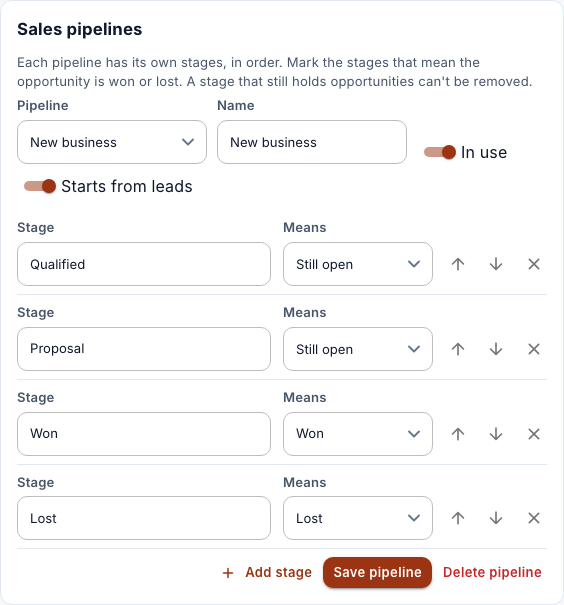
Under Sales pipelines, choose the pipeline, rename its stages to match how you sell, and mark which stages mean Won and Lost.
-
Select Save pipeline.
Choose your sales teams
- Under Leads, tick the teams that work new leads.
- Select Save sales teams.