Set up overstay alerts
Updated October 31, 2026 · Applies to BayCheck ONE 1.34
When a truck stays on its bay past its slot, the next truck can't get in. An overstay alert emails the site's managers and dispatchers so they can act.
Prerequisites
- The Admin role.
- The Professional edition of BayCheck ONE.
Set the alert per site
-
In the menu, under Administration, select Business rules.
-
Under Dock operations, for each site, enter Email after (minutes).
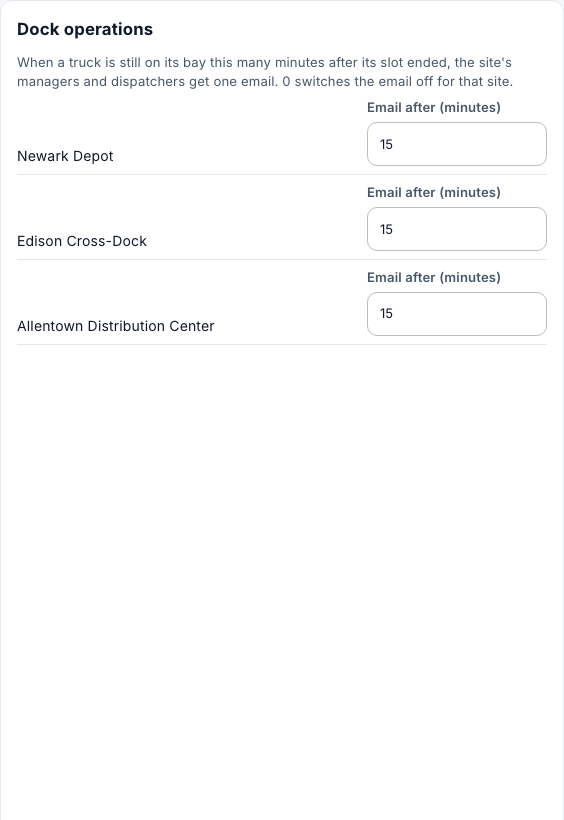
The managers and dispatchers of the site get one email per truck. Enter 0 to switch the email off for a site. Overstays are checked every minute.