Quickstart: Check a truck in at the gate
Updated October 31, 2026 · Applies to BayCheck ONE 1.34
In this quickstart, you follow a booked truck from the gate to its departure. It takes about 3 minutes.
Prerequisites
- The Reception, Manager or Admin role.
Check the truck in
-
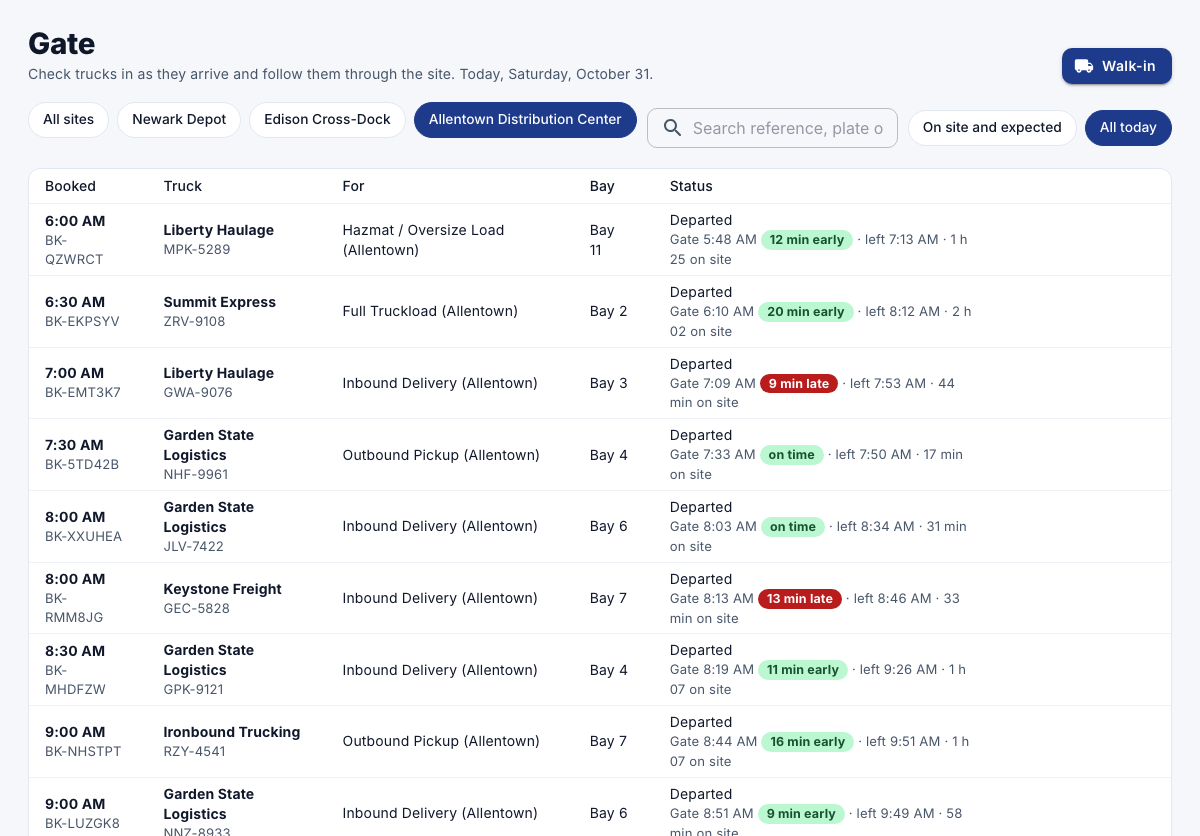
In the menu, under Workspace, select Gate.
-
Find the truck under On site and expected, by its booked time, carrier or plate.
-
Select Check in.
Send it to its bay and load it
- When the bay is free, select To bay.
- When loading or unloading starts, select Start loading.
Record the departure
- When the truck leaves, select Departed.
The gate shows when it left and how long it was on site.