Quickstart: Set up BayCheck ONE
Updated October 31, 2026 · Applies to BayCheck ONE 1.34
In this quickstart, you set up a site with its bays, a service drivers can book, and a dispatcher. It takes about 15 minutes.
Prerequisites
- The Admin role.
Add the site
- In the menu, under Administration, select Locations, and add the site. See Manage locations.
Add the bays
- Under Administration, select Staff & resources.
- For each bay, select Add staff or resource, choose the bay type, and enter its Name,
Location and Working hours. Add Skills such as
ReeferorDock-highfor what it can take. - Select Save.
Add a service
-
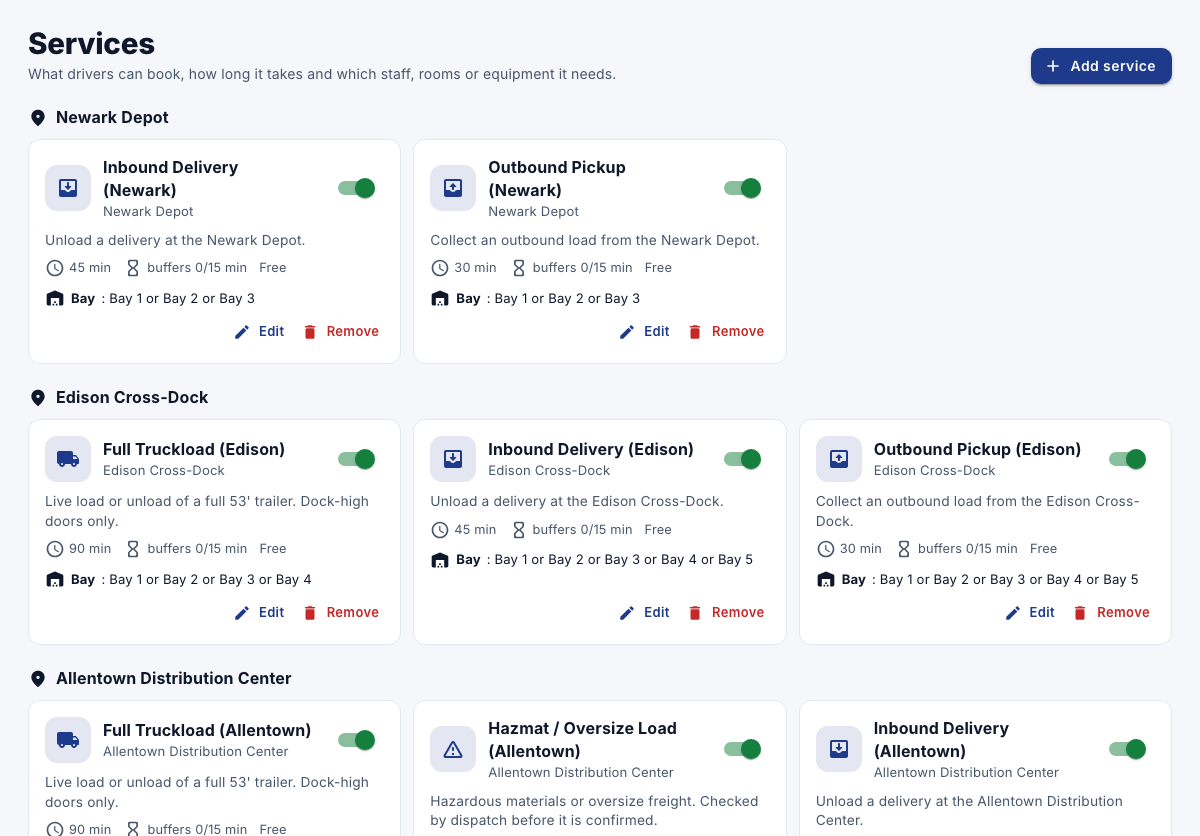
Under Administration, select Services, and then select Add service.
-
Enter the Name, such as "Inbound delivery", the Location and Duration (minutes).
-
Under What this service needs, add a requirement for the bays that fit, and select Customer picks to let drivers choose the bay.
-
Select Save.
Add a dispatcher
- Under Administration, select Staff users & roles, and add a user with the Reception role.