Manage your appointments
Updated October 31, 2026 · Applies to BookIt ONE 1.34
This article is for customers of an organization that uses BookIt ONE.
Prerequisites
- An account with the organization. See Book online.
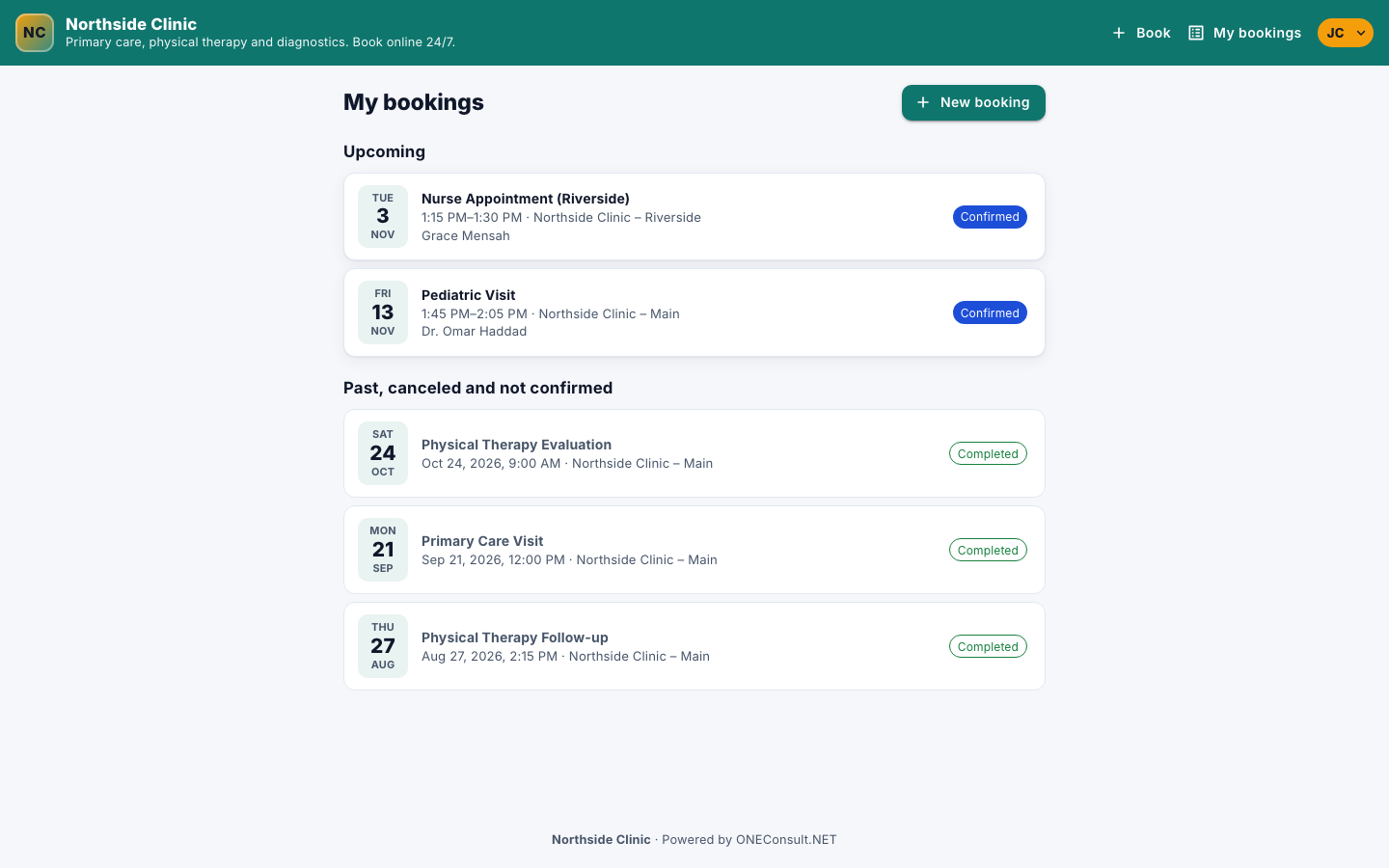
See your appointments
- Sign in, select your initials, and then select My bookings.
Upcoming lists what's coming up; Past, canceled and not confirmed lists the rest. Select an appointment to open it.
Reschedule or cancel
- Open the appointment.
- Select Reschedule and pick a new time, or select Cancel booking.
You can make changes up to the number of hours before the appointment that the page shows. After that, contact the organization. A request that isn't confirmed yet can be withdrawn with Withdraw request; to change its time, withdraw it and book again.
Join an online appointment
For an appointment held online, select Join online on the appointment, or use the link in your emails.
Set reminders and your details
- Select your initials, and then select My profile.
- Change your name, Mobile phone or Student / member number, and turn Email me a reminder before my appointments on or off.
- Select Save profile.
To change your email, contact the organization.