Use the dashboards
Updated October 30, 2026 · Applies to Stakeholder ONE 1.3
The dashboards summarize everything you have access to. Select Dashboards in the top bar, and then select a tab.
Overview
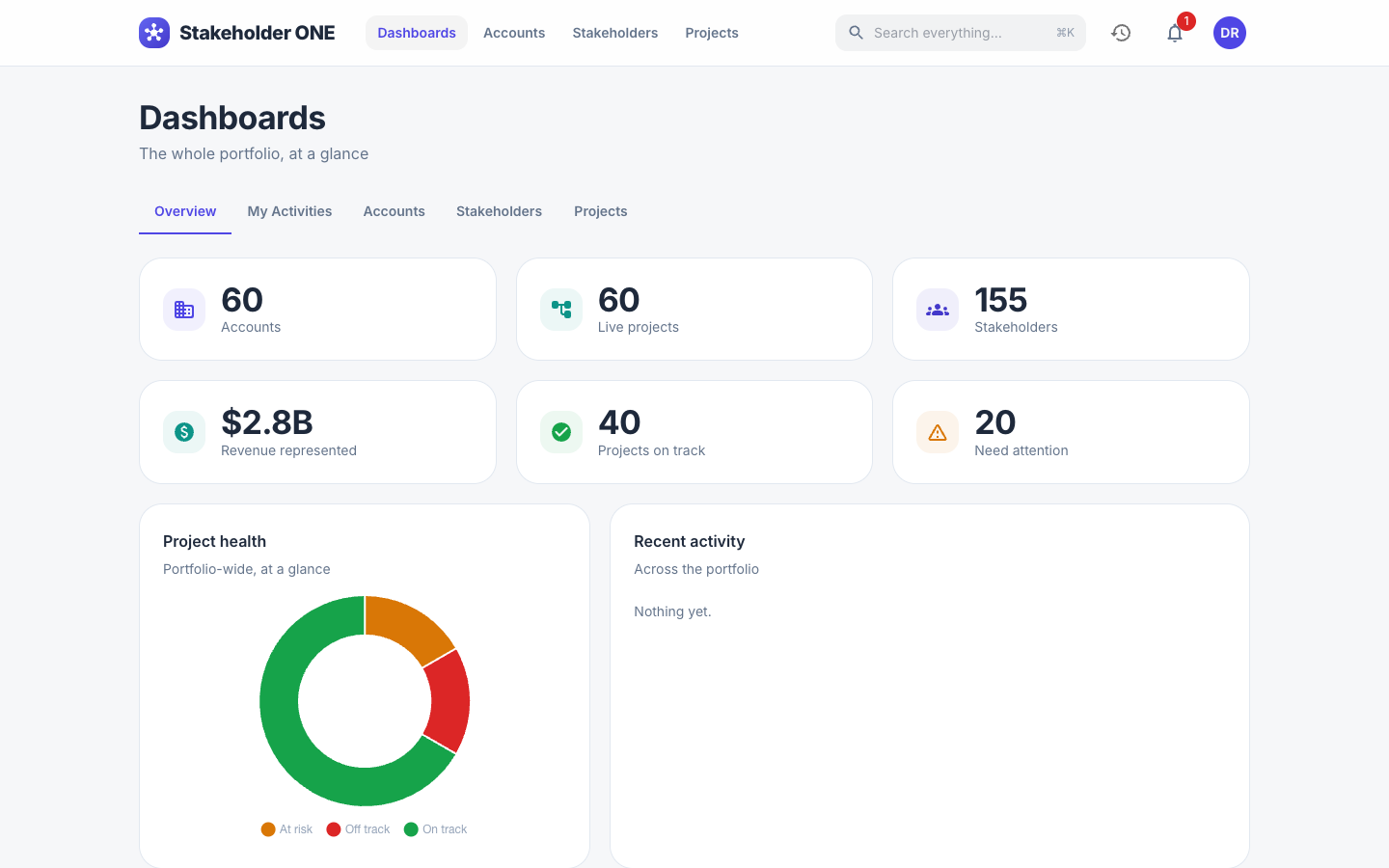
The portfolio at a glance: the number of accounts, live projects and stakeholders, the revenue your accounts represent, how many projects are on track or need attention, project health, and recent activity.
My Activities
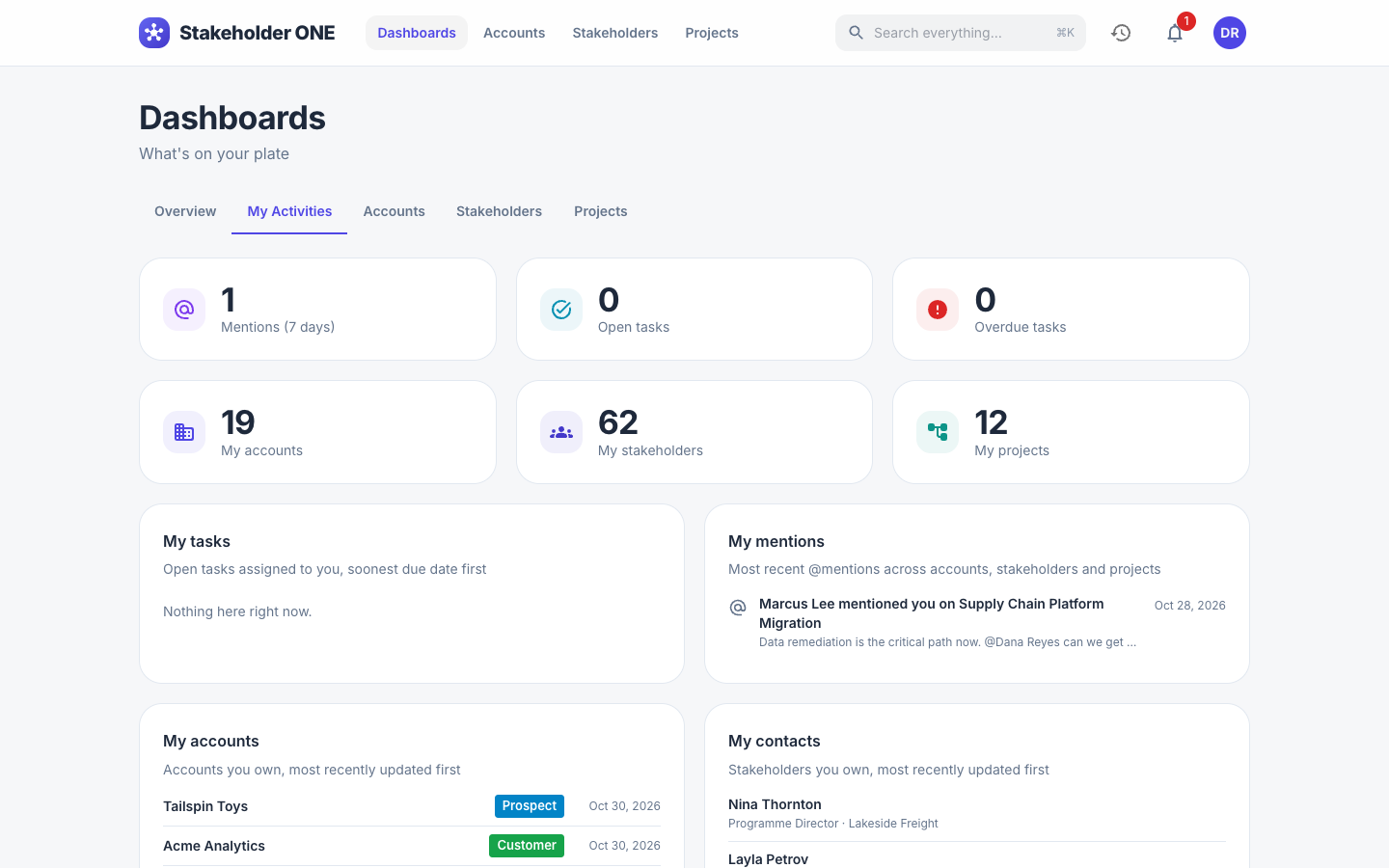
Your own work in one place:
- Open tasks and Overdue tasks assigned to you on project schedules, under My tasks, with the soonest due date first.
- My mentions: the most recent times someone @mentioned you.
- My accounts, My contacts and My projects: the records you own, most recently updated first.
Accounts
Totals of active accounts and hot leads, new accounts per month for the last six months, and breakdowns by Rating, Type and Top industries.
Stakeholders
Totals of active and inactive stakeholders, the Engagement distribution across levels 1 to 10, and the Top roles.
Projects
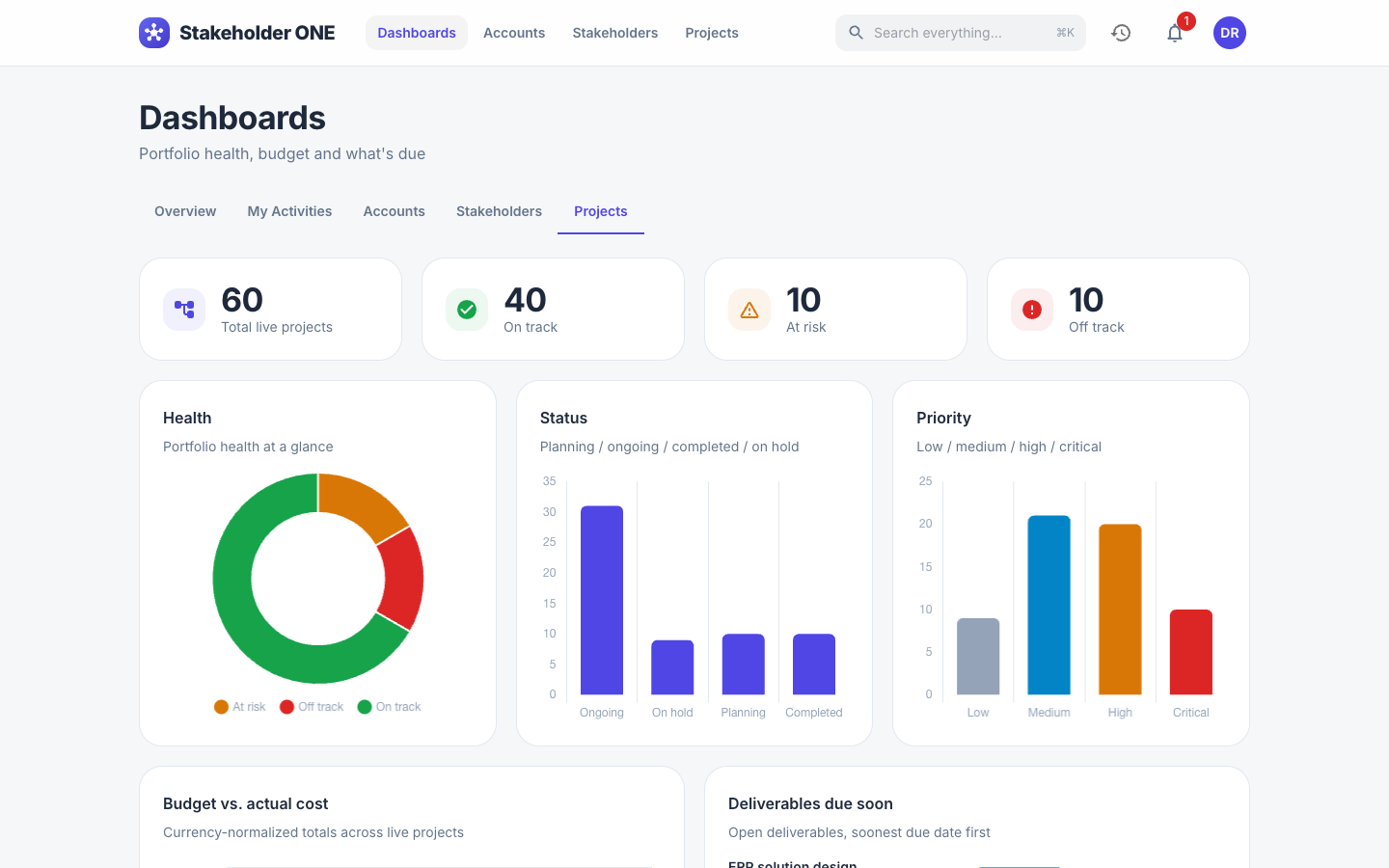
Live projects by Health, Status and Priority, Deliverables due soon, Budget vs. actual cost, and a Risk heatmap of open risks by likelihood and impact. Amounts in different currencies are converted to your organization's default currency so they can be compared.
Note
Dashboards only count the records you can see. Two people with different roles can see different numbers.