View a record's history
Updated October 30, 2026 · Applies to Stakeholder ONE 1.3
Stakeholder ONE keeps a record of every change. To see it, open an account, stakeholder or project, and select the History tab.
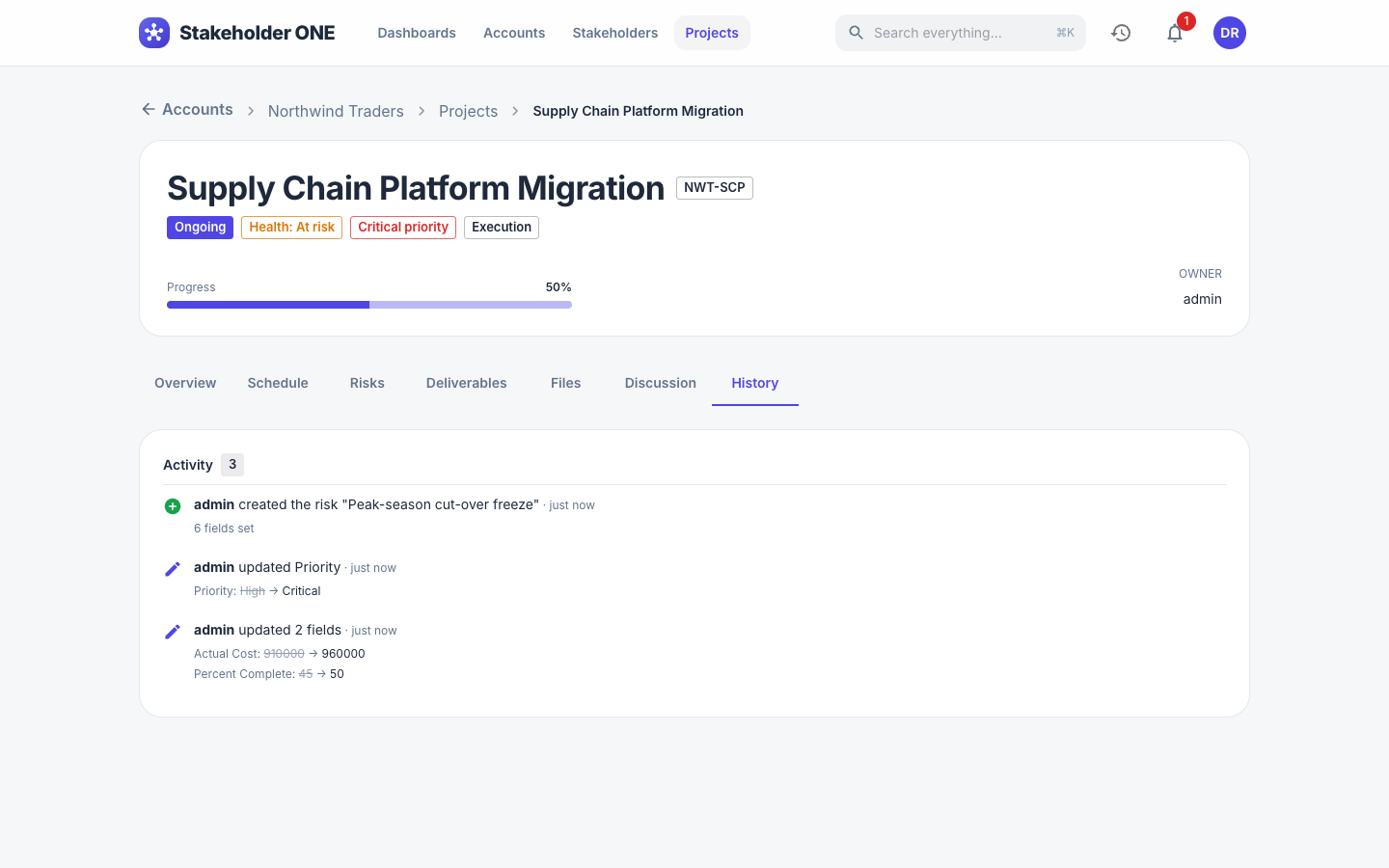
The Activity list shows, newest first, who did what and when: creating the record, changing fields (with the old and new values), adding or removing risks, deliverables and files, and downloading files.
History can't be edited. Your administrator can remove very old history for your whole organization.