Manage deliverables
Updated October 30, 2026 · Applies to Stakeholder ONE 1.3
Deliverables are the things a project must hand over, such as a design document, a trained team or a go-live. Track them on the Deliverables tab of a project.
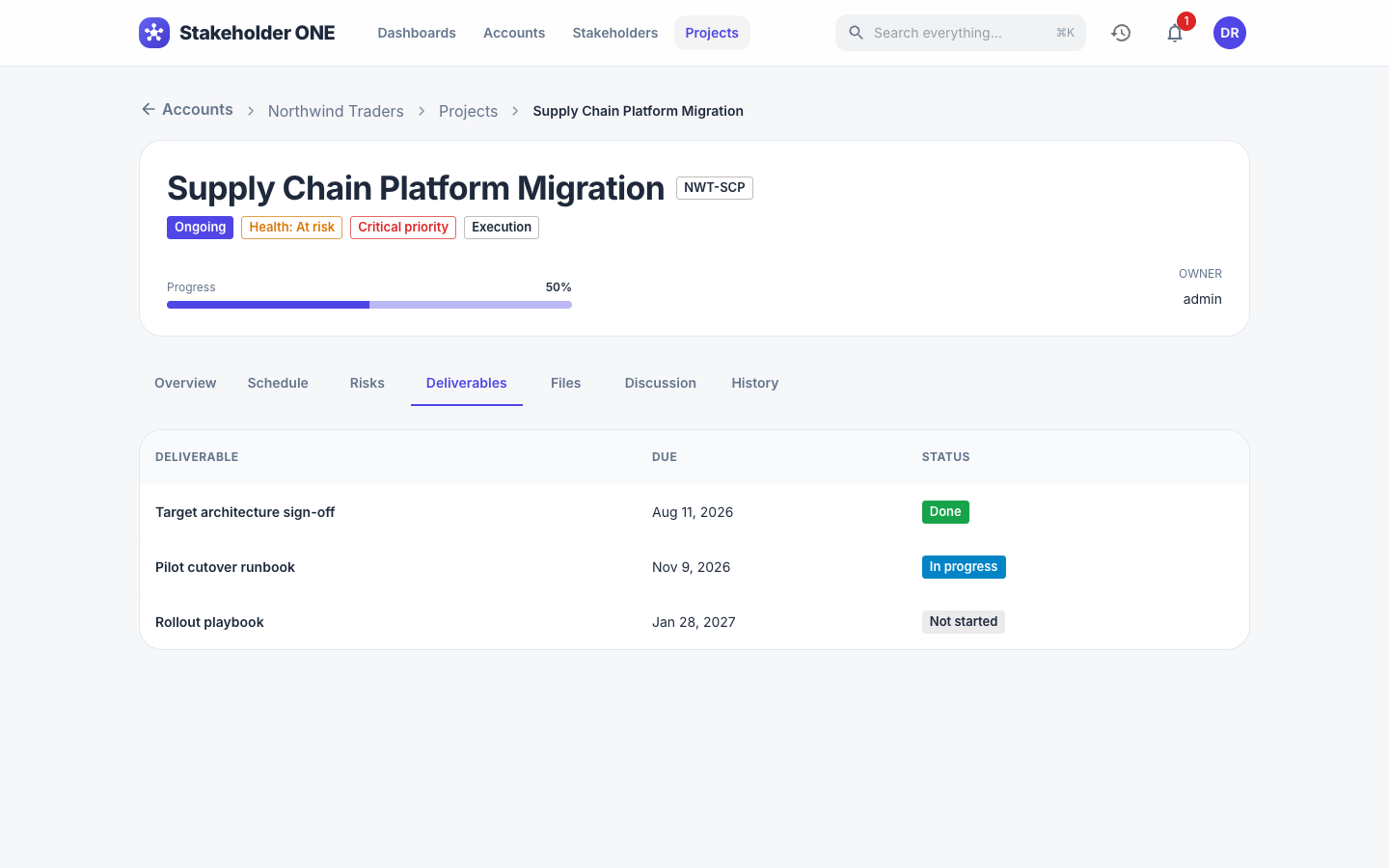
Prerequisites
- Permission to edit the project, to add or change deliverables.
- The project must not be Completed or On hold.
Add a deliverable
-
Open the project, and select the Deliverables tab.
-
Select Add deliverable.
-
Enter the following information:
Field Description Name What will be delivered. Required. Description Optional details. Milestone Optional: the schedule milestone it belongs to. Due date When it's due. Status Not started, In progress or Done. -
Select Save.
Open deliverables with the soonest due dates appear under Deliverables due soon on the Projects dashboard.
To change or delete a deliverable, select the pencil (edit) or trash (delete) icon on its row.