Manage accounts
Updated October 30, 2026 · Applies to Stakeholder ONE 1.3
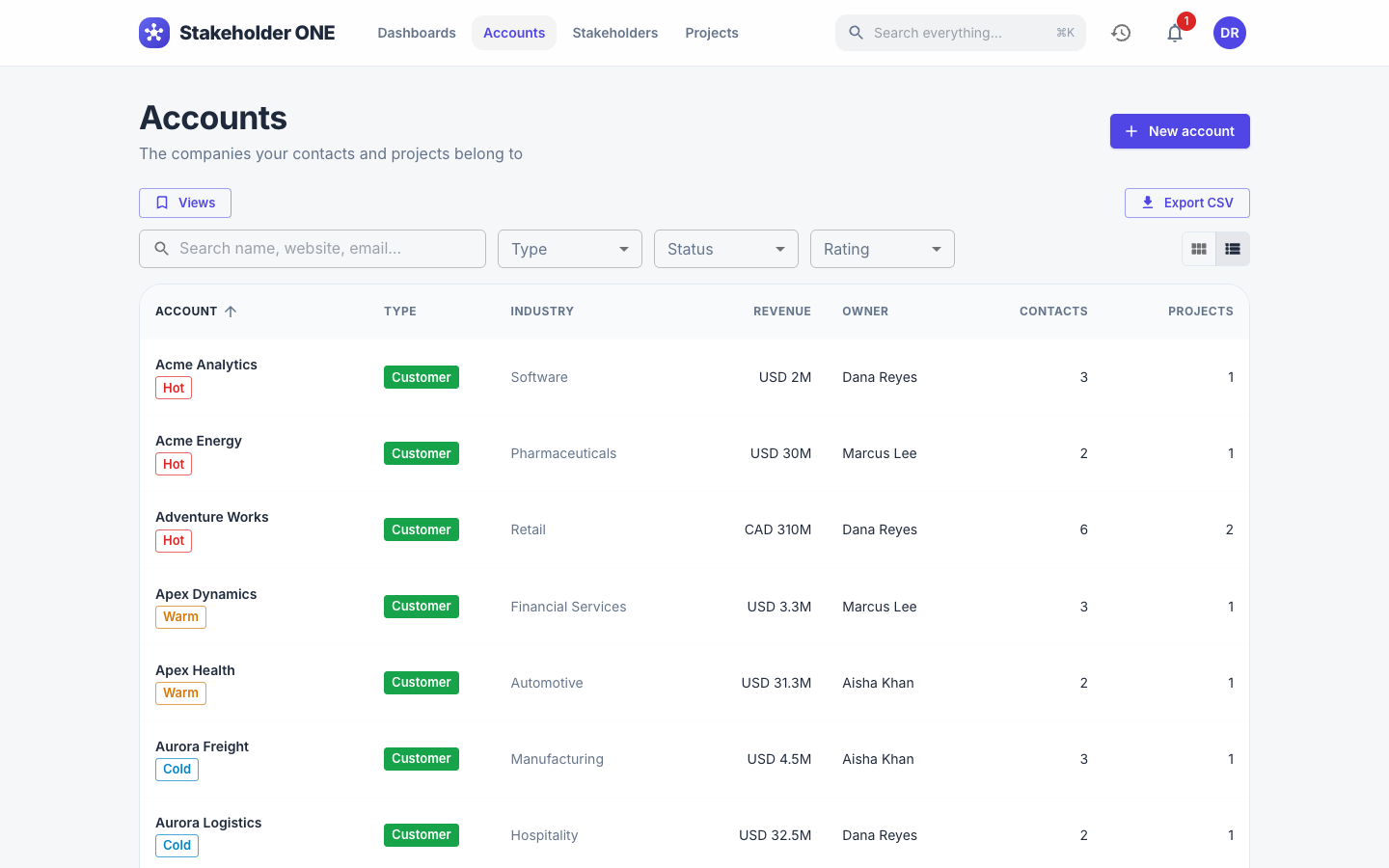
An account is an organization you work with, such as a customer, partner, vendor or prospect. Its stakeholders and projects are linked to it. Select Accounts in the top bar to see the accounts you have access to.
Prerequisites
- To create accounts, your role must allow it. The Project Manager, Projects Admin and System Administrator roles can.
Create an account
-
On the Accounts page, select New account.
-
Enter the account details. Only Account name is required, unless your administrator has made other fields required. The form has these sections:
Section Fields Classification Type (Prospect, Customer, Partner, Vendor or Other), Status (Active or Inactive), Rating (Hot, Warm or Cold), Account owner Firmographics Industry, Website, Employees, Annual revenue, Currency Detail Phone, Email, Billing address, Description Your organization might also have custom fields.
-
Select Create.
If an account with the same name already exists, Stakeholder ONE warns you. Check that it isn't a duplicate; if you still want a new account, select Create anyway.
View an account
Select an account to open it. The Overview tab shows its details, its Contacts (the stakeholders linked to it) and its Projects. Select any of them to open it.
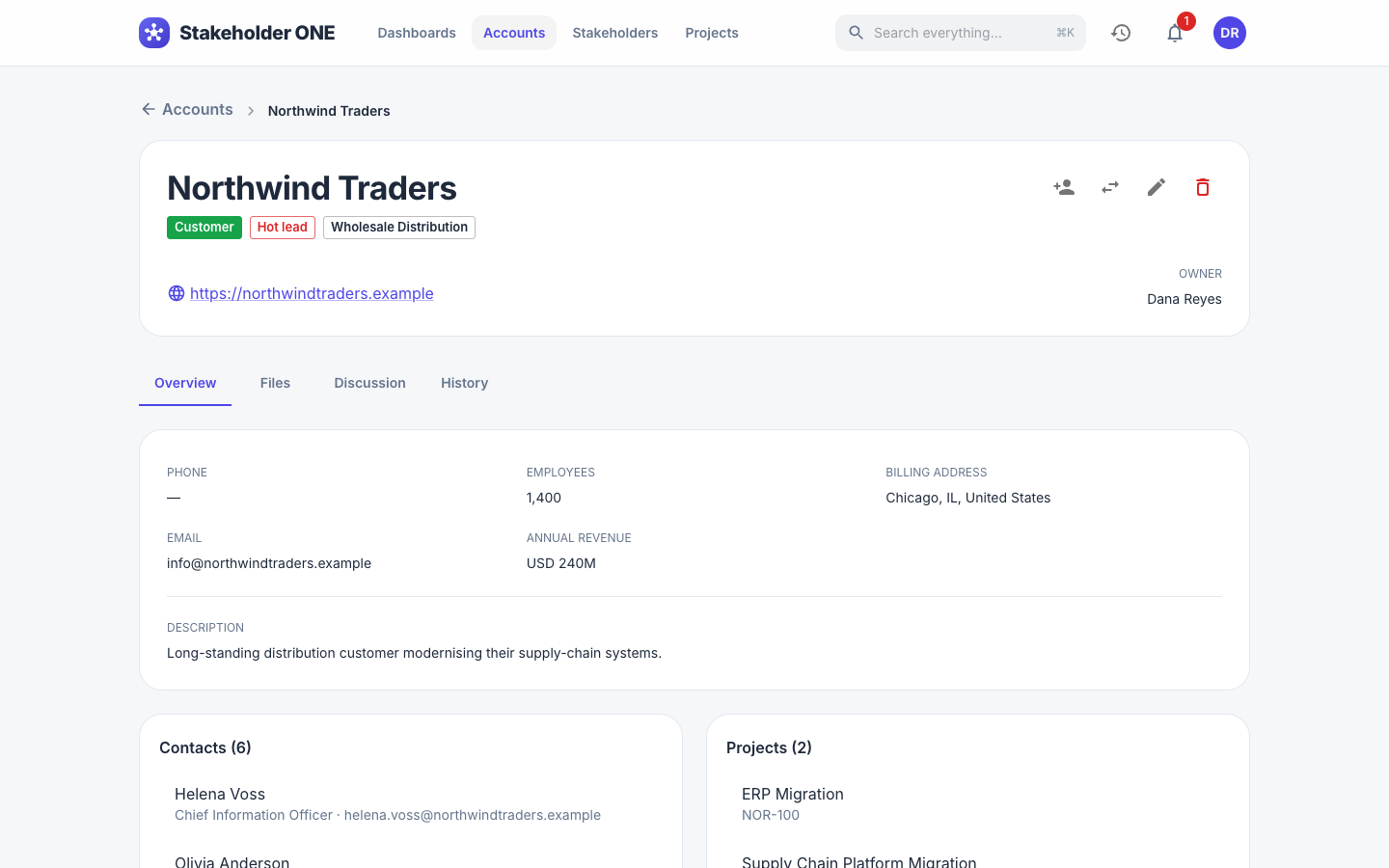
The other tabs are Files, Discussion and History. See Discuss and share files and View a record's history.
Edit an account
- Open the account, and select Edit.
- Change the details, and select Save.
Delete an account
- Open the account, and select Delete.
- Confirm.
The account goes to the recycle bin, where it can be restored.